

If you'd rather use your Google account than create a new password, you can sign up with Google in a few taps.
Create your account with Google
-
Open Deeta and tap Sign Up on the welcome screen, then Continue with Google.
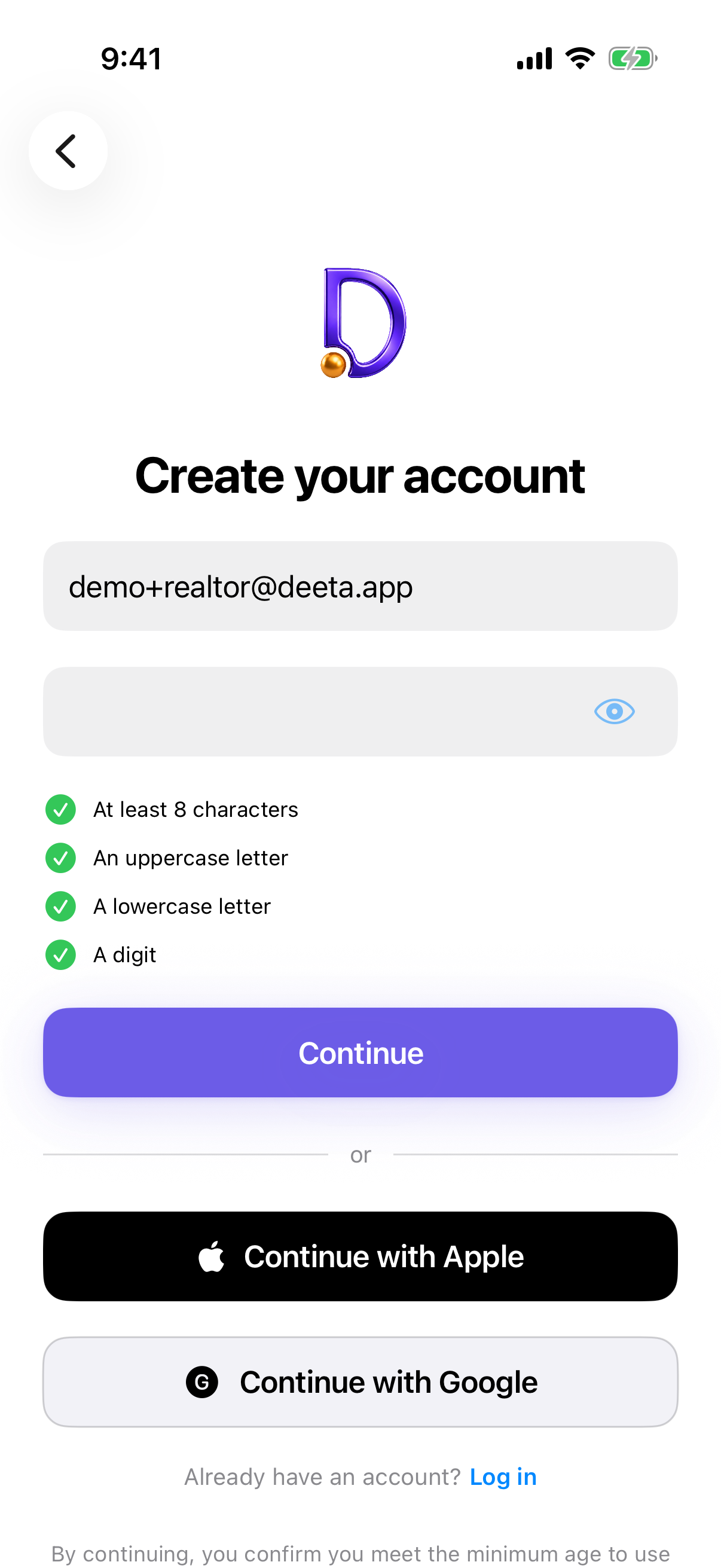
-
Choose the Google account you want to use, and approve the sign-in.
-
Confirm your age. Deeta asks once, after Google's screen and before your account is created. See Confirming your age.
-
You're in. Deeta will offer to bring in your contacts next — see Setting up Deeta — the first-run walkthrough.
Signing back in later doesn't ask your age again. It's a one-time question when the account is created. To sign back in, use Log In on the welcome screen — the same Continue with Google button is there.
Troubleshooting
Nothing happened after I picked my account. Check your connection and try again — this step needs the internet. If it keeps failing, close Deeta fully and reopen it.
I was asked to pick my account twice. That was a bug and it's fixed. If you're still seeing it, you're on an older version — update Deeta from the App Store.
I cancelled by accident. Nothing was created. Just tap Continue with Google again.
I have more than one Google account and picked the wrong one. Sign out from Settings → Account → Log Out, then sign back in with the right one. Anything you added under the wrong account stays with that account.
It says an account already exists with this email. You've signed up before using that address with a password. Use Log In on the welcome screen instead — or, if you've forgotten the password, see Resetting your password.
Questions
Do I need a password as well? Not for the app. If you want to sign in to Deeta on the web later you'll need one — add it any time from Settings → Account → Set or change password.
What does Google share with Deeta? Your name, email address and profile picture. Deeta doesn't ask Google for your Google Contacts — the contacts Deeta imports come from your iPhone, and only if you allow it.
Does signing in with Google mean my data goes to Google? No. Google only tells us who you are so we can sign you in. Your contacts and the details you add stay on your iPhone.
Can I switch to email and password later? You can add a password (see above), and then sign in either way.