

Details change. Editing a deet is a tap, and deleting one can be undone.
Editing
-
Tap the deet on the contact's page.
-
Change the label or the detail.
-
Tap Save.
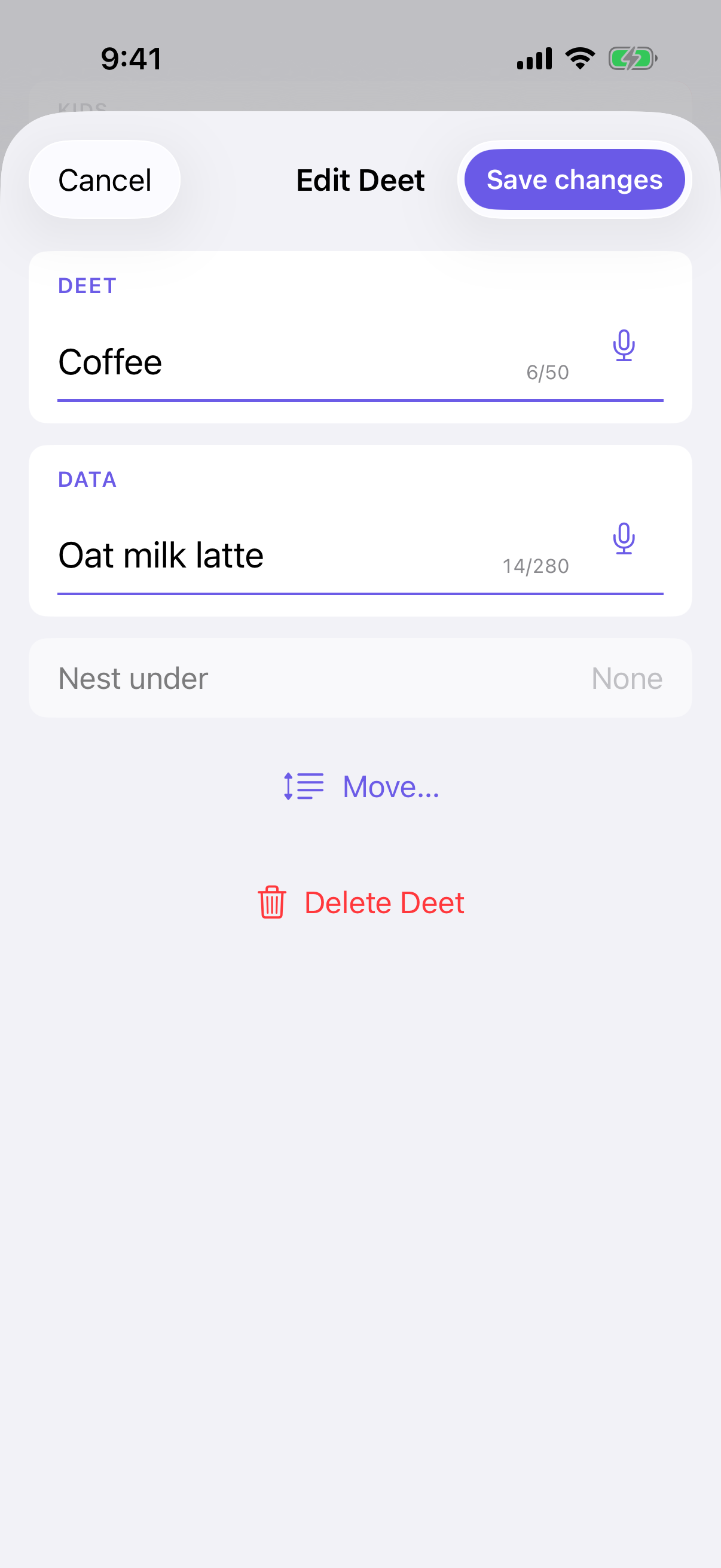
You can't change what a deet is nested under from here — use Move… instead (below).
Moving a deet
In the edit sheet, tap Move… and choose a new parent, or move it to the top level. A message confirms where it went, with Undo for a few seconds.
Deets can only move within the same person.
Press and hold a deet
Holding your finger on a deet opens a small panel with everything Deeta knows about it, and the two actions that don't fit on the card.
-
Added — when you first saved it.
-
Updated — when you last changed it. Only shown if it has changed since.
-
Where it came from — typed, spoken, or imported. An imported one names the person whose card it came from.
-
Set alert — only on a detail Deeta recognises as a date. See Birthday and date reminders.
-
Delete.
It's the quickest way to answer "when did I write this down, and where did it come from?" without opening anything.
Deleting
Swipe left on a deet, or use Delete Deet in the edit sheet.
-
A deet with nothing under it — a simple confirmation.
-
A deet with sub-deets — you choose:
-
Delete this and N sub-details — the deet and everything under it.
-
Delete only this, move N sub-details up — the sub-deets directly under it move up a level, taking anything nested under them along.
-
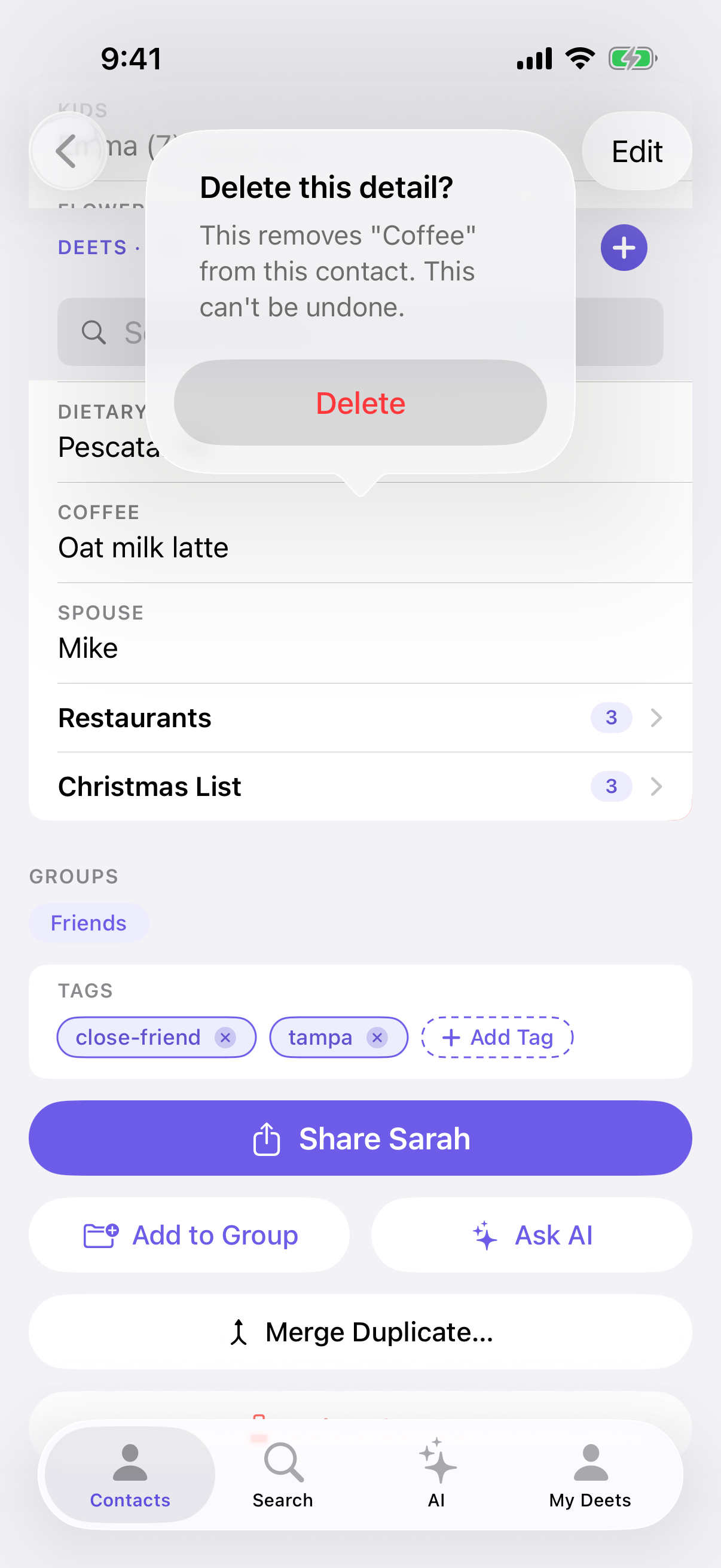
You can undo it. The confirmation says it can't be undone, but for five seconds afterwards a message with Undo puts it back. It tells you exactly what went:
Deet and 3 sub-deets deleted.
So if a branch was bigger than you expected, you can put it straight back.
Once that message goes, the deletion stands.
Troubleshooting
Save is greyed out when editing. Both label and detail need content.
I deleted the wrong thing and the Undo message has gone. It can't be recovered after that. Add it again.
"Move…" is missing. It's in the edit sheet, not the list. Tap the deet first.
I can't move a deet to another person. Moves are within one contact. Add it to the other person and delete the original.
"We couldn't find the parent field for this deet." The deet you were nesting under was deleted meanwhile. Close the sheet and try again.
I edited a deet that came from someone else's shared card. You can, but it stays linked to their card. If they update it later, you'll be asked what to do with your version — see Reviewing an update someone sent you.
Questions
Can I reorder deets? Not by dragging. They're ordered by when you added them; nesting is how you group things.
Does editing a deet tell anyone? No — deets about other people are yours alone.
Is there a history of changes? Press and hold a deet to see when it was added and last changed, and where it came from. If the deet is a date Deeta recognises, the same popover has Set alert.
Can I delete several at once? Not directly, but deleting a parent with Delete this and N sub-details removes its whole branch — and the undo puts the whole branch back.