

When someone who shared a live card changes one of their details, you decide what happens to your copy. Nothing is overwritten without you saying so — unless you've told Deeta that's what you want.
How an update reaches you
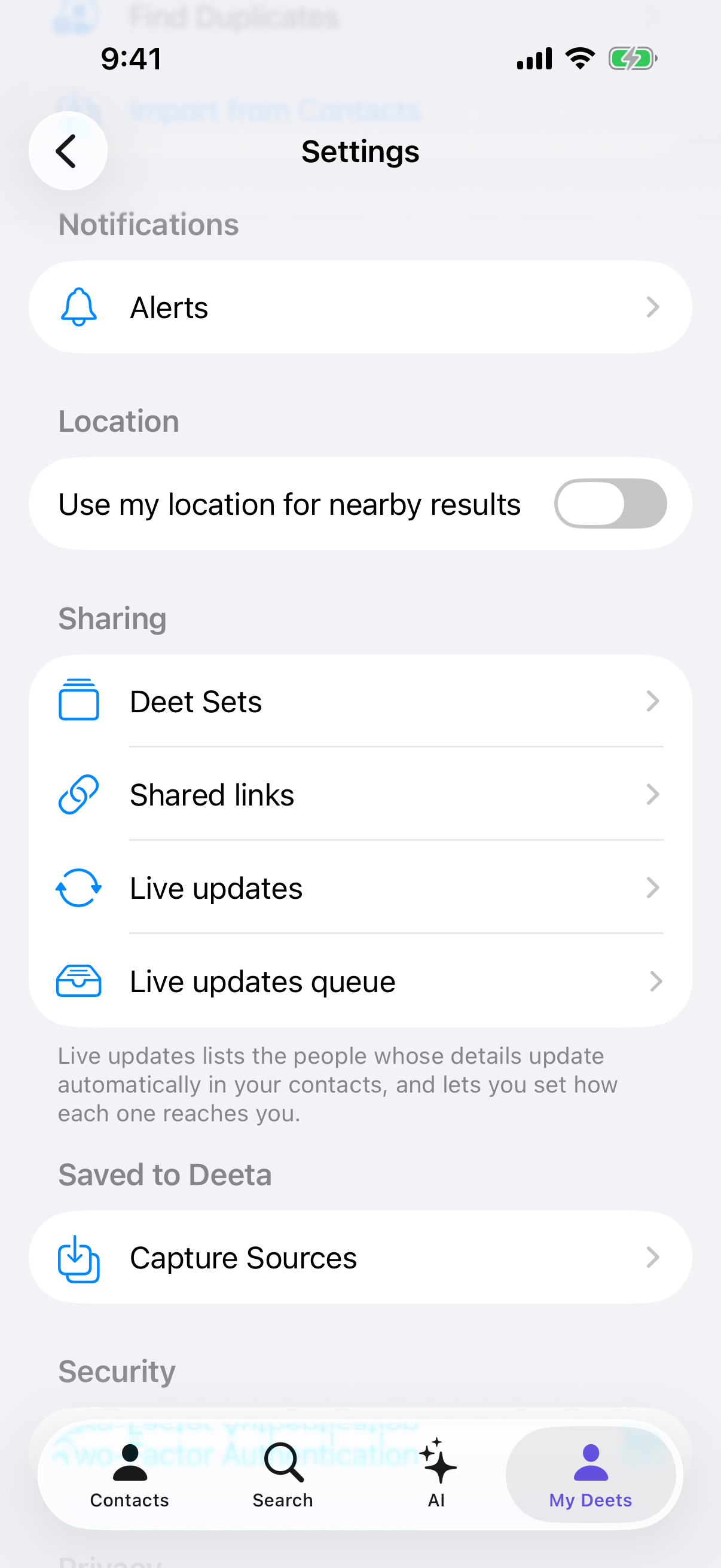
It depends on the setting you've given that person, in Settings → Live updates:
|
Setting |
What happens |
|---|---|
|
Always |
Their changes appear as soon as they're made |
|
Ask |
Their changes wait for you — you get a card to review |
|
Mute |
Their changes are ignored (removals still apply) |
Ask is the default, and it's where the review screen comes in.
Finding updates that are waiting
Two ways in:
-
Tap the notification when it arrives — "[name] updated contact info — tap to see." It never says what changed.
-
Settings → Live updates queue, the row just below Live updates — it takes you to everything waiting on a decision
The second one matters. Notifications get swiped away, silenced, or never delivered at all, and a waiting update shouldn't be lost because of it.
Reviewing a change
Each card shows the two versions side by side — YOUR COPY and their update — so you can see exactly what would change.
Two buttons:
-
Accept — take their new value
-
Keep mine — keep what you have
Show previous reveals the value you'd be replacing, if it isn't already on screen.
When they've added something new
If they've added a detail you didn't have, the card explains what it is and offers to add it.
If they've added something you already hold — say you'd typed their work email in yourself — you get Link theirs or Keep yours. Linking means it stays current from then on; keeping yours leaves your own version alone.
Several changes at once
If someone changed a few things, or you've been offline a while, you get a list rather than one card at a time.
-
Select all, or tick the ones you want
-
The screen tells you the rule: Checked changes are accepted; unchecked keep your version
-
Tap Accept 3 selected (the button shows how many) to apply them in one go
When they remove something
Removals travel too, and they apply whatever you've set that person to. You're told what was removed rather than having it quietly disappear, and you can Dismiss the notice once you've seen it.
Only what came through their share is removed. If that included a phone number, email or address their share had added to your contact card, it comes off the card too. Anything you typed in yourself stays.
What changed recently
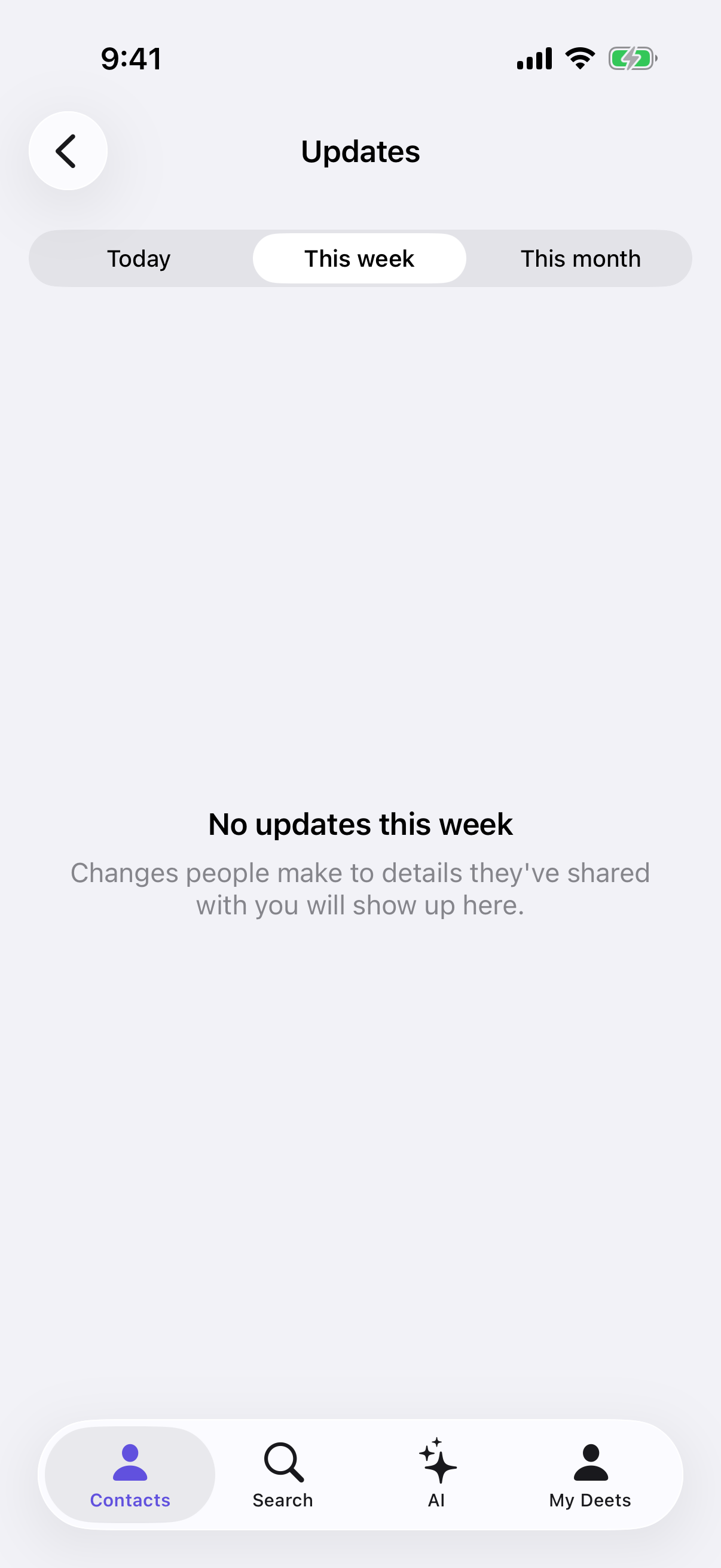
Tap the megaphone on the Contacts screen for a running record of what live updates have changed on your device over the last 30 days.
This includes changes that applied automatically because you'd set someone to Always — those never stop to ask you, so this is the only place they show up.
Troubleshooting
I swiped the notification away. Go to Settings → Live updates queue. Nothing is lost.
I closed the review screen without deciding. The card is still waiting. Same route: Settings → Live updates queue.
Something changed and I never saw a card. You've probably got that person set to Always, which applies changes without asking — or it was a removal, which always applies. Check the megaphone on Contacts to see what changed.
"Couldn't load this update." Your copy hasn't changed. Check your connection and tap Try again.
I don't want updates from this person at all. Settings → Live updates, find them, and choose Mute — or Stop receiving to end it altogether. Ending is permanent: they'd have to share with you again.
I accepted something by mistake. Edit the detail on their contact page as you would any other. It'll be replaced again next time they change it, unless you set them to Ask or Mute.
Their details have stopped changing. They may have stopped sending you updates — they can do that for one person without any announcement. Everything they'd shared stays on your phone as it was. To get updates again, they'd need to share with you again.
Something they'd shared has gone from my copy. They deleted it, or took their details back from you. Deeta removes what came through their share and records what went — check the megaphone on Contacts.
Questions
Can they see what I accepted? No. What you do with your copy is yours alone.
Does accepting change anything for them? No. You're editing your own copy of their details.
What if I mute someone and then un-mute them? Un-muting fetches their profile fresh — you get their current details. It doesn't replay everything you missed in between.
How far back does the history go? 30 days.
Do updates cost anything? No. Receiving live updates is free and unlimited on every plan, and your plan never affects updates people send you.