

Seeing what you're on
Settings → Plan shows which tier you're on. Tap it for your renewal date, billing, and the controls below.
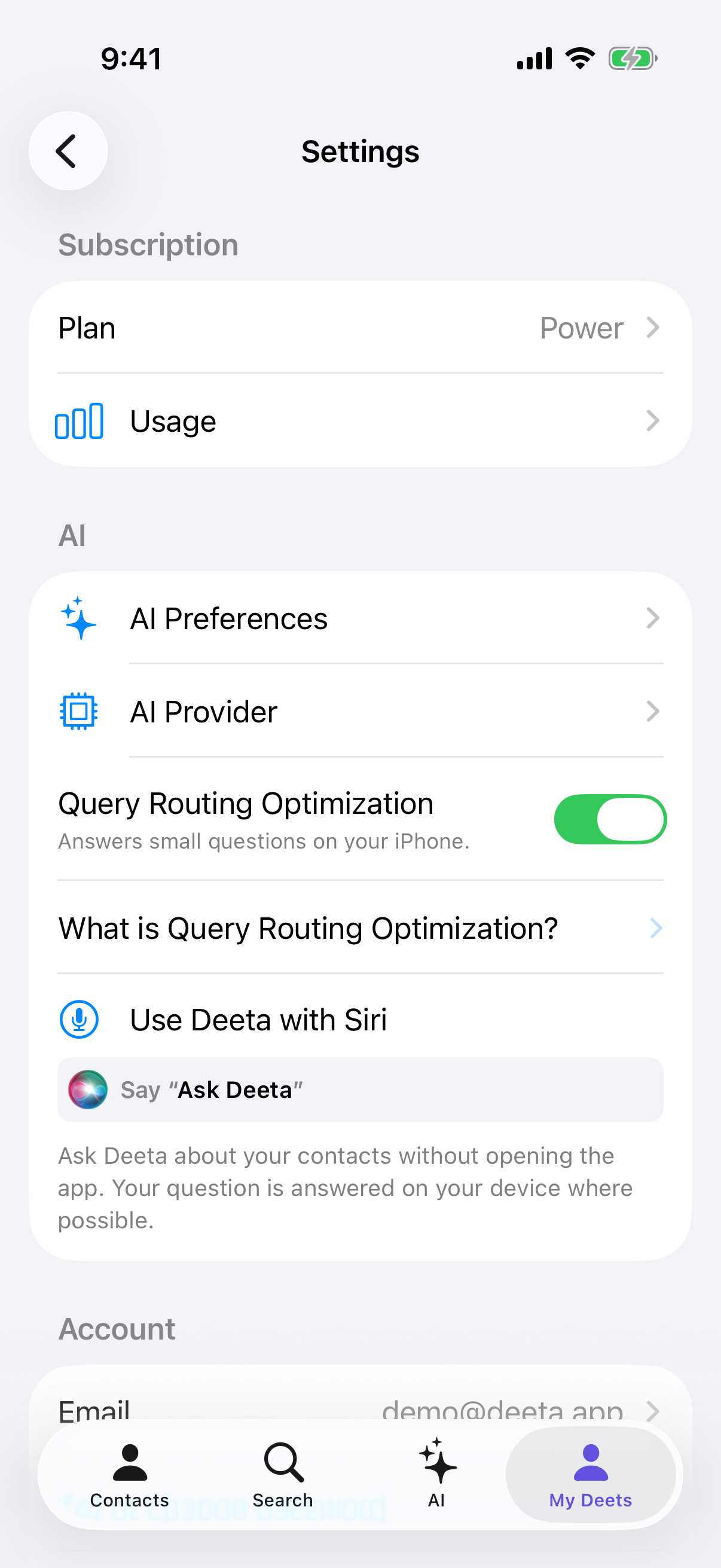
Just below it, Usage shows exactly where you stand against your plan's limits — AI queries, AI capacity and captures for the month, plus your standing contact and group limits, and, on Free and Plus, how many of your live cards are in use.
Changing or cancelling
Settings → Plan → Manage in App Store (or Manage online, if you subscribed on the website). This opens Apple's subscription screen, not one of ours — Apple owns the billing, so it owns the controls.
From there you can switch plan, change billing period, update your payment method, or cancel.
You can also get there any time via Settings → [your name] → Subscriptions on your iPhone.
To move to a different plan inside Deeta, use Settings → Plan → Change or upgrade plan. See Upgrading and downgrading.
Restore purchases
Settings → Plan → Restore purchases. The plans screen has a Restore button too.
Use it when Deeta doesn't realise you're subscribed:
-
Fresh install
-
New iPhone
-
You signed out and back in
-
You paid and nothing unlocked
It re-checks with the App Store using the Apple ID on the device. Takes a second.
It has to be the same Apple ID that paid. A different one has no purchase to restore.
Your plan and your data are separate things
Worth being clear about, because it catches people out:
-
Your plan lives on your Apple ID. New iPhone, same Apple ID, plan follows you.
-
Your contacts live on the iPhone. They don't follow you — you carry them across with a backup.
So arriving on a new phone to a working subscription and an empty Deeta is normal, not a bug.
Troubleshooting
Restore purchases says nothing to restore. You're signed in to a different Apple ID than the one that paid. Check Settings → [your name] on your iPhone.
I paid but I'm still on Free. Restore purchases. If it's still wrong, close Deeta fully and reopen it. Persisting after that, get in touch.
Manage in App Store doesn't open anything. Go the long way: Settings → [your name] → Subscriptions.
Deeta isn't listed in my Apple subscriptions. Then it wasn't bought on that Apple ID — or it wasn't bought at all. Check for a receipt email from Apple.
I'm being charged but Deeta shows Free. Restore purchases first. If the charge is real and the plan isn't, send us the receipt.
I subscribed on the website. Manage it through Settings → Plan → Manage online. Apple's screen won't show it.
I upgraded but my AI limit looks unchanged. Check Settings → Usage. If the numbers there still show the old plan, Restore purchases.
Can I move my subscription to a different Apple ID? No. Apple doesn't allow it. Cancel one and subscribe on the other.
Questions
Where do I get a receipt? Apple emails you. Full history at reportaproblem.apple.com.
Can I get a refund? Through Apple, at the same address. Deeta can't issue them.
Does restoring affect my contacts? No. It only re-checks your plan.
How often should I restore? Only when something looks wrong. It's not maintenance.
Does my plan work on iPad? Anywhere you're signed in with the same Apple ID.